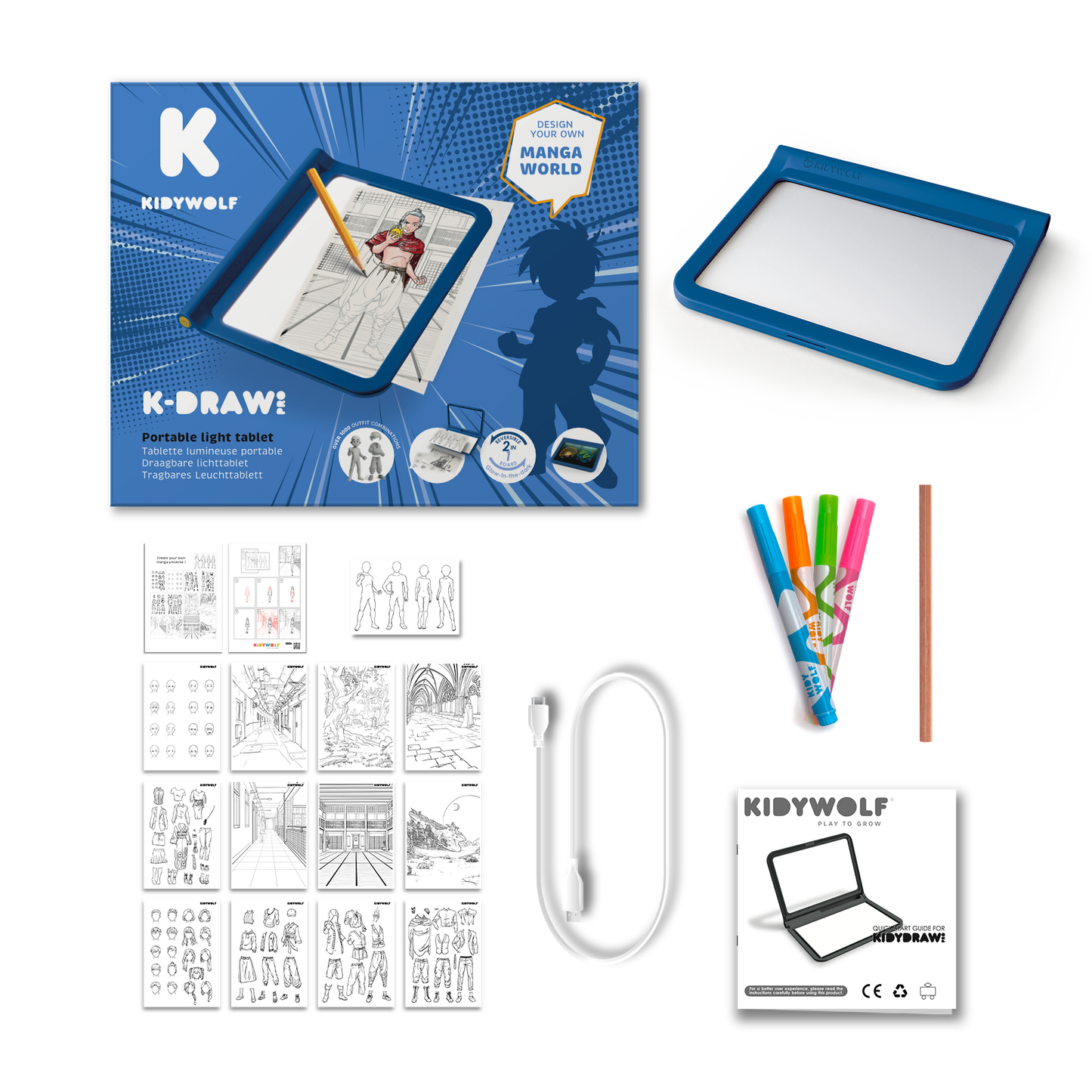
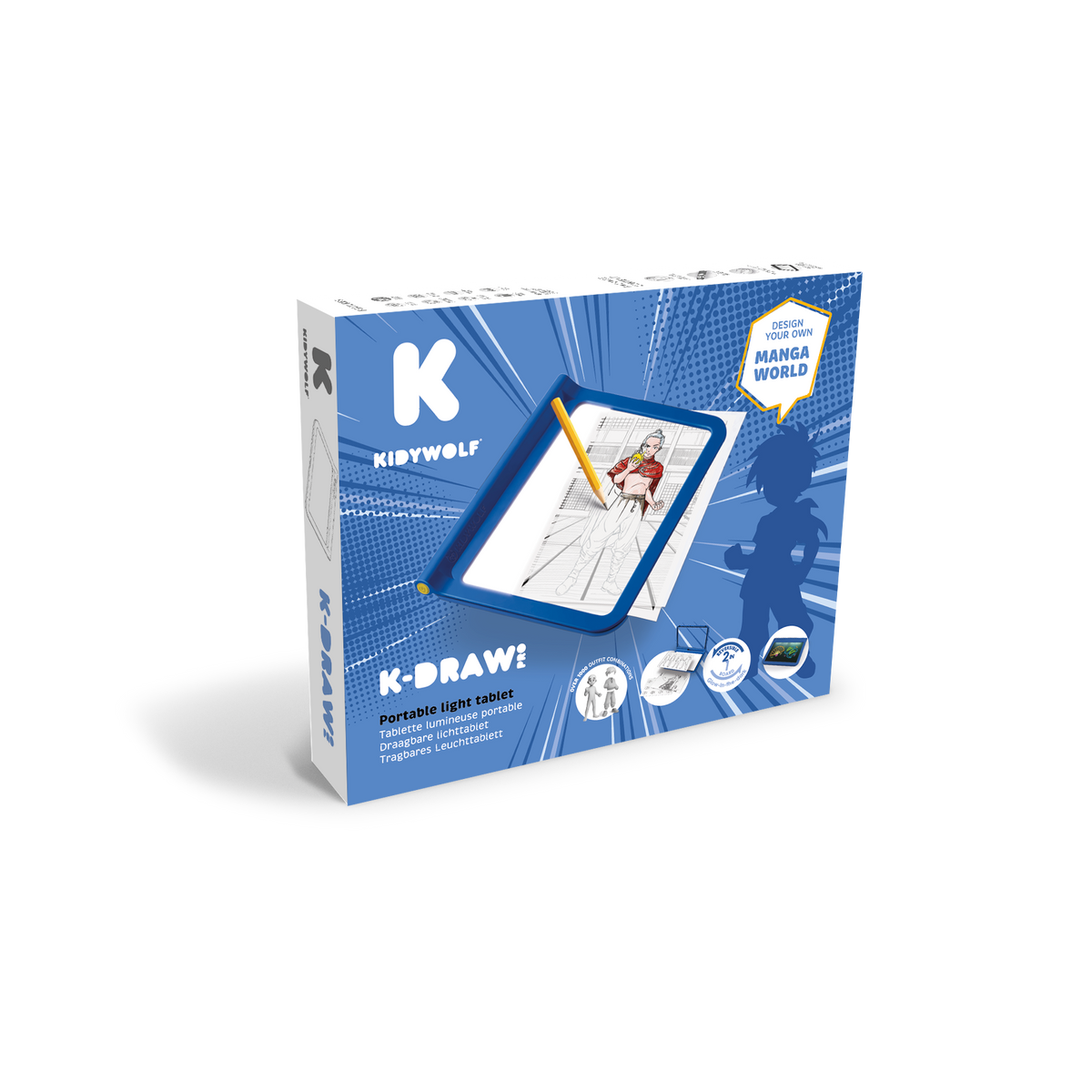
With K-DRAW-PRO, children become budding fashion designers. Thanks to an ingenious decal system, they can combine silhouettes, outfits, accessories and patterns in endless ways – with over 1,000 possible combinations, just like in a real fashion studio. The double-sided light board offers a fun and creative space for free expression. A rewarding activity that helps develop style, stimulate imagination and have fun away from screens.
With K-DRAW PRO MANGA, children can step into the shoes of a real Japanese comic book illustrator. Each page becomes a scene to invent, a hero to create, a story to bring to life.
Points forts
Learning
Creativity
Playful
Motor skills
KIDYTIPS
K-DRAW PRO offers a fun and rewarding approach to drawing: by combining tracing templates and free drawing, children explore their own style while developing patience, precision and imagination. A screen-free activity that promotes concentration and self-confidence.
‘This toy has transformed my daughter's drawing time into a real escape!’
Lucas D.
KIDYWOLF Help Center
Need help with K-DRAW-PRO
Find the answers to the most frequently asked questions about K-DRAW-PRO here
How do I clean my KIDYDRAW-PRO tablet properly?
To keep the display surface perfectly clean, we recommend using a microfibre cloth lightly dampened with glass cleaner.
💡 Tip: always spray the cleaner onto the cloth and never directly onto the tablet to prevent any liquid seeping under the transparent surface.
If moisture does manage to get inside, simply leave the tablet to dry for 24 hours near a gentle heat source, such as a radiator.
How can I get even more drawings?
There are no limits to your children’s creativity! You can download additional drawings directly from the KIDYDRAW-PRO (green) product page. And for even more possibilities, you can also print out your own templates found online or create your own illustrations. Animals, vehicles, characters, letters or mandalas: anything can become a new template to trace.
⚠️ The Manga and Let’s Draw Fashion collections are exclusive editions sold with their respective tablets. The associated drawings are therefore not available separately.
Are the KIDYDRAW-MINI cards compatible with the KIDYDRAW-PRO?
No. The KIDYDRAW-MINI sheets use a different format and thicker paper, which means the light cannot be diffused properly in the KIDYDRAW-PRO.
What are the differences between the tablets in the KIDYDRAW range? (PRO – PAD – MINI)