To take full advantage of all the features of your K-WATCH, simply download the JYouPro app. The K-WATCH was specifically designed to work with this app. Other connected apps are not compatible.
Can you set alarms and reminders?
Yes! With the JYouPro app, you can set up:
Up to 5 alarms
Up to 4 recurring reminders for daily activities
The watch also lets you manage up to 4 alarms directly. Perfect for helping children with their daily routines.
Can we change the language used for the days of the week?
At present, the language used to display the day of the week on the watch cannot be changed.
Can you install or uninstall apps?
The K-Watch comes with a range of features carefully selected for children. It is therefore not possible to add or remove apps.
Does the watch need to stay connected to Bluetooth to keep the correct time?
No, you can set the time directly on the watch. If you’re using Bluetooth synchronisation, simply make sure the watch remains connected to your phone at all times to ensure the time is updated correctly. If the watch switches off completely whilst not connected to the app, you’ll need to set the time again when you restart it.
How do I view the weather forecast?
The weather is synchronised via your smartphone.
To enable this:
Connect the K-WATCH to your phone via Bluetooth.
Allow location sharing on your phone for the JYouPro app.
Open the JYouPro app.
The local weather is automatically displayed on the watch.
What is the camera function used for?
The camera function turns your K-Watch into a remote control for your smartphone’s camera.
Once the watch is connected via Bluetooth:
You can take a photo remotely.
The photo is taken and saved on your phone.
Handy for group photos or selfies!
Can I make or receive calls?
The K-WATCH allows you to manage certain call-related functions when connected to your phone. However, it does not have a built-in speaker or microphone, so you cannot hold a conversation directly from the watch.
Can the alarms sound?
The alarms work by vibration. A discreet and comfortable way of reminding children of important activities without disturbing their environment.
The screen lights up as soon as I move my wrist. Can this feature be disabled?
Yes. To disable automatic wake-up:
Settings → Display → Display time → Turn off ‘Lift to wake’
Someone else has logged into my watch. What should I do?
Don’t worry. A simple reset will delete all previous connections:
Menu → Settings → System → Reset
After doing this, only a new authorised connection can be established. If you’re having trouble reconnecting via Bluetooth, move away from the watch’s usual environment for a short while before attempting to pair it again.
If this does not work, please perform a full reset of the watch and/or contact us by email at sav@kidywolf.com,
What is the ICE number for?
ICE stands for ‘In Case of Emergency’. It is an emergency contact that can be displayed quickly on the watch. This feature allows those present to easily identify a contact to alert in case of an emergency.
Can the strap be changed?
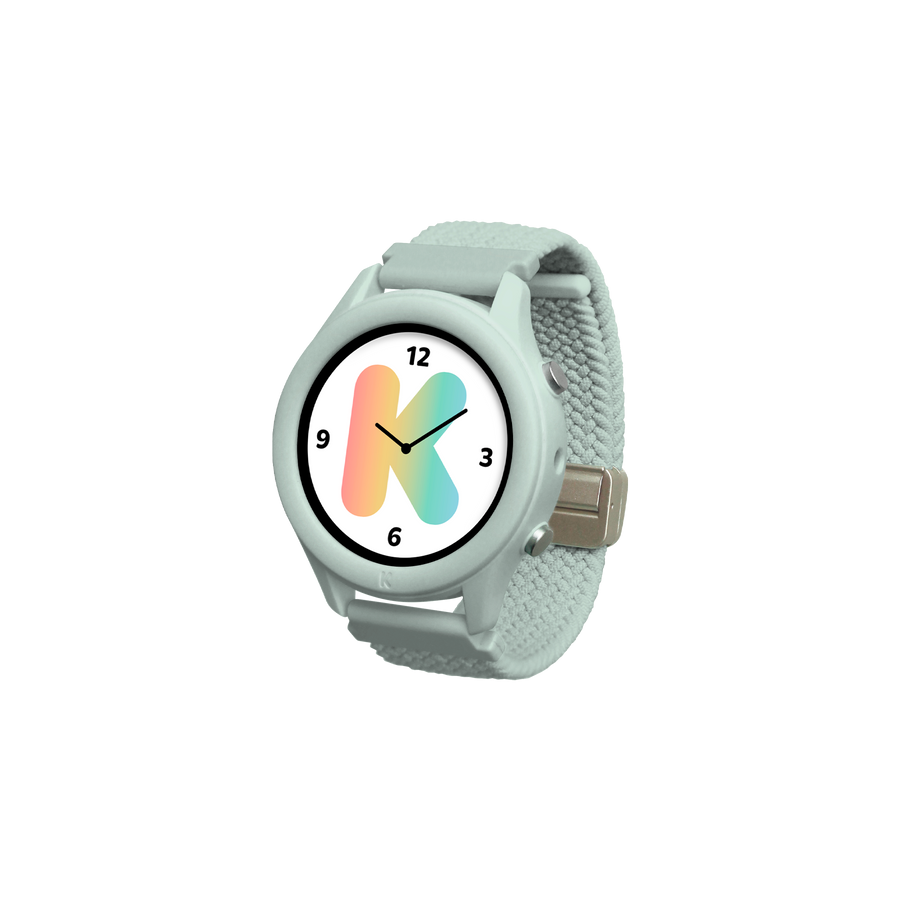
Yes! The strap is interchangeable and compatible with 20 mm models. This means you can easily customise the style of your K-WATCH.
Is the K-WATCH waterproof?
The K-WATCH is IP67 certified.
It is resistant to:
Splashes
Rain
Temporary submersion in fresh water to a depth of up to 1 metre for a maximum of 30 minutes
Can the dial be customised?
Absolutely! The watch already comes with 8 different watch faces. Thanks to the JYouPro app, you’ll have access to over 64 additional watch faces and can even create your own personalised background.
How do I clean the strap?
To clean your bracelet:
Use a soft, slightly damp cloth.
Leave it to dry naturally before using it again.
Avoid abrasive products or solvents.
My child is receiving notifications from my phone. How can I turn them off?
From the JYouPro app, you can choose exactly which notifications to send to the watch. In particular, please ensure that the following options are disabled:
Incoming calls
Text messages
Email notifications
This ensures you retain full control over the information displayed on the K-WATCH.