My printer is printing blank pages. What should I do?
Don’t panic – the problem is usually down to the roll being inserted the wrong way round. Simply check that the thermal paper is correctly positioned in the device. Once the roll is inserted the right way round, printing should work as normal.
Can you take photos without printing them straight away?
Yes, absolutely! By adding a microSD card (up to 32 GB), your Kidyprint also becomes a digital camera.
You’ll be able to:
Save your photos
Record videos
Choose which photos to print later
To print instantly, simply press the print button. Otherwise, you can find all your photos in the device’s gallery.
Do the rolls contain BPA or BPS?
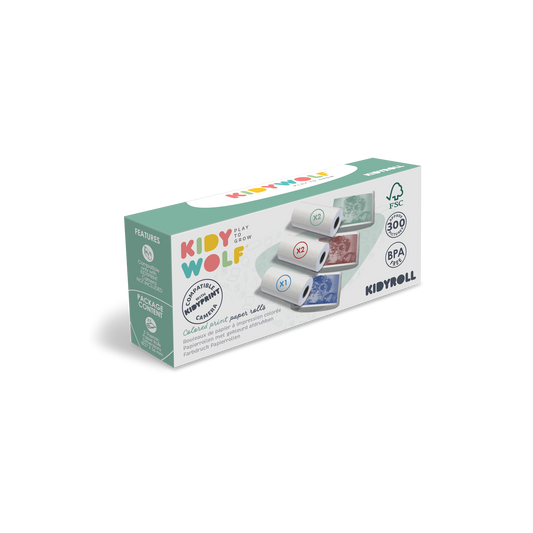
No. All rolls of paper (KIDYROLL) are certified BPA- and BPS-free, ensuring they are safe for children to use.
Why are my photos printing in colour?
In your KIDYPRINT box, you will usually find several types of ink cartridges:
A standard white ink cartridge
A self-adhesive ink cartridge
A coloured ink cartridge
If your printouts have a coloured background, simply replace the current ink cartridge with a standard white one.
My videos take up a lot of storage space. Is there a solution?
Yes. A software update is available to optimise video file management. Our after-sales service team can assist you with installing this update. Please remember to include the serial number located on the base of your device when sending your enquiry by email to sav@kidywolf.com
My prints have lines or stripes on them.
This may be due to small particles of dust on the print head. To restore optimal print quality:
Switch off the device.
Gently clean the print bar using a soft cloth or a dry cotton bud.
Avoid pressing too hard to protect the components.
A software update allows you to disable the date display on printed photos. To take advantage of this, please contact our after-sales service team by email at sav@kidywolf.com, quoting the serial number located on the base of your KIDYPRINT.
My photos are too dark. How can I make them lighter?
With KIDYPRINT, you can adjust the print intensity to suit your preferences.
LOW: lighter prints
MEDIUM: optimal balance
HIGH: enhanced contrast
Feel free to try out the different settings to find the result you like best.
What is the difference between KIDYPRINT and K-PRINT?
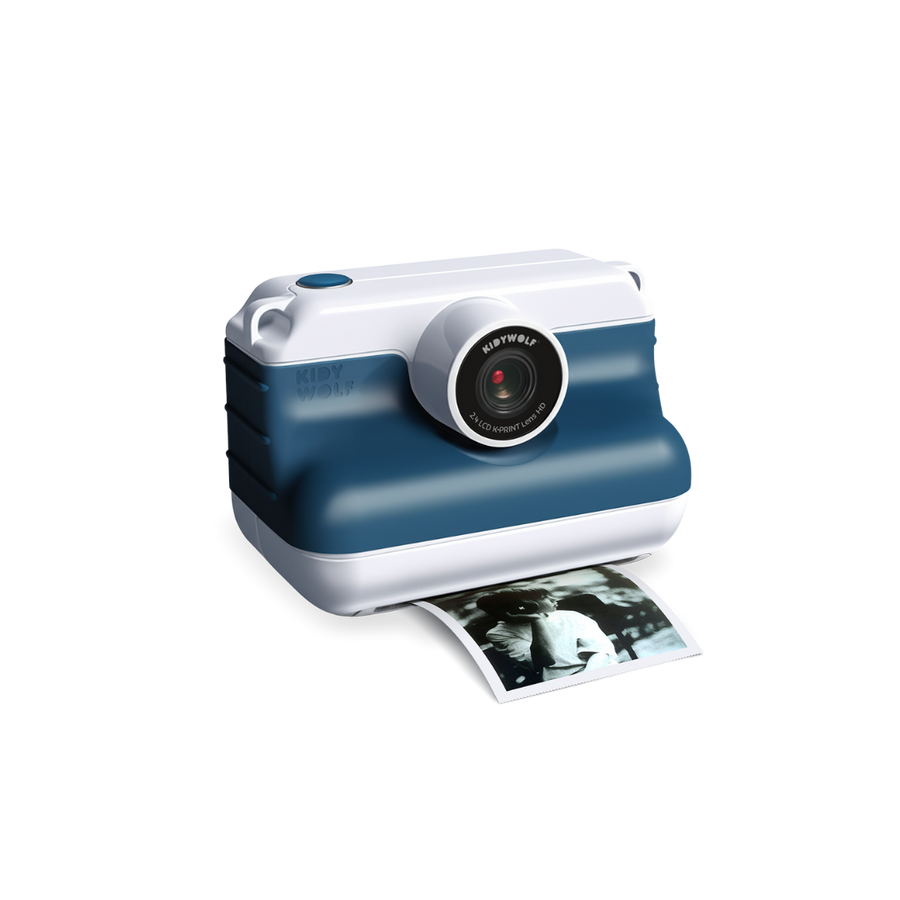
KIDYPRINT and K-PRINT offer exactly the same features and the same instant print quality. The main difference lies in the design and visual style:
KIDYPRINT was designed for children aged 5 and over, with a playful, colourful look tailored to younger children.
K-PRINT features a more modern and minimalist design, aimed at pre-teens who want a camera that reflects their personality.
Whichever model you choose, you’ll enjoy the same features, the same performance and the same instant photo experience.
Which memory card should I use?
KIDYPRINT is compatible with microSD cards of up to 32 GB. To ensure optimal performance, we recommend using a card from a reputable brand that has been properly formatted before first use.