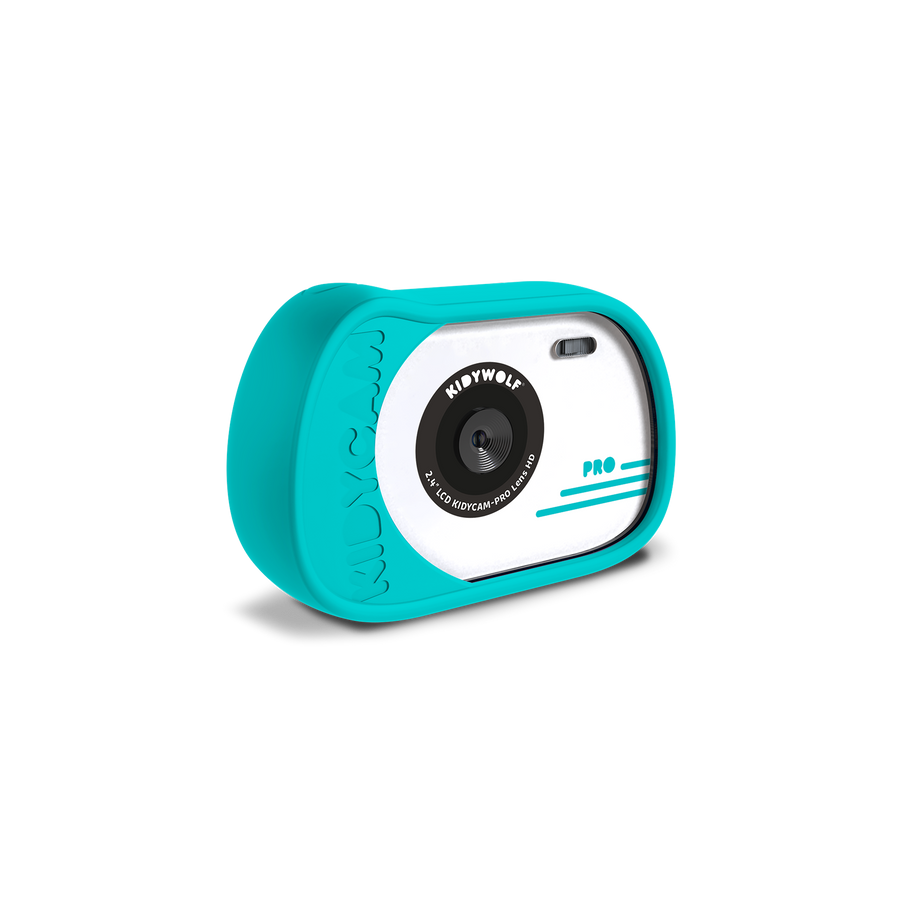
I can’t seem to transfer my photos to my computer.
To transfer your photos and videos, please make sure you use the USB cable supplied with your KIDYCAM. This cable has been specially designed to allow both charging and file transfer. Some USB cables are only compatible with charging and do not allow access to photos and videos. Once connected to your computer, your KIDYCAM will appear as a storage device and you can easily retrieve all your memories.
Can you add a wrist strap to the KIDYCAM?
Yes! KIDYCAM is fitted with a standard 1/4-inch screw thread, the same as that used on most cameras and tripods. This means you can easily attach a suitable wrist strap to it, so children can take it with them on all their adventures, whilst minimising the risk of it falling.
Are photos and videos saved when the battery is flat?
Yes. All photos and videos saved on the microSD card remain stored, even when the device is completely flat. You’ll therefore be able to access your memories as soon as you recharge it.
From what age is the KIDYCAM suitable?
The KIDYCAM has been specially designed for young photographers aged 4 and over. Its intuitive controls, buttons suited to little hands and robust design allow children to develop their creativity all on their own.
Is the KIDYCAM water-resistant?
Yes! KIDYCAM is designed to accompany children on their aquatic adventures and can be submerged to a depth of 1 metre in freshwater. ⚠️ Please note: it is not suitable for use in salt water. Salt can damage the camera’s components and affect its proper functioning.
After use in water, we recommend rinsing and drying the device thoroughly to extend its lifespan.
Satisfied or refunded
All our products are guaranteed, and our after-sales service is accessible and attentive.
Secure payment
100% effective & certified method
Fast delivery
Delivery within 2 or 5 working days.
Free delivery
From €49 Mondial relay (Benelux-France)
Choosing a selection results in a full page refresh.