Questions fréquentes : KIDYDRAW-MINI

  • My drawing won't go away. What should I do?

    Firstly, check that the tablet’s lock button is not activated. If the lock is deactivated and the drawing still does not disappear, we recommend replacing the product’s battery.

    If the problem persists after replacing the battery, our after-sales team is on hand to help you find a solution: sav@kidywolf.com

  • Do I have to use the templates provided, or can I draw whatever I like?

    The KIDYDRAW-MINI can be used with the included templates, but also offers complete freedom. Children can copy the suggested designs or let their imagination run wild without needing a template.

  • Should we use paper or ink?

    No. The KIDYDRAW-MINI works without paper or ink. It consists of an LCD screen (magic slate) and a stylus.

  • My child is 6 years old: which model should I choose – the PAD, MINI or PRO?

    For 6-year-olds, the KIDYDRAW-PAD is particularly well-suited to children who love drawing and creating on real sheets of paper. It allows them to trace and then colour in their creations, in an A5 format that’s easy to handle.

    The KIDYDRAW-PRO offers the same experience of drawing on real sheets of paper, but in an A4 format, providing more space for larger creations. It also allows children to draw freely on the slate.

    The KIDYDRAW-MINI, on the other hand, works like a magic slate: children draw directly on the screen and erase with a single swipe. More compact and particularly easy to carry, it is designed for very young children, but is perfectly suitable for a 6-year-old looking for a practical and fun tablet.

    The ages given are recommendations: each child can use the model that best suits their preferences, drawing style and needs.

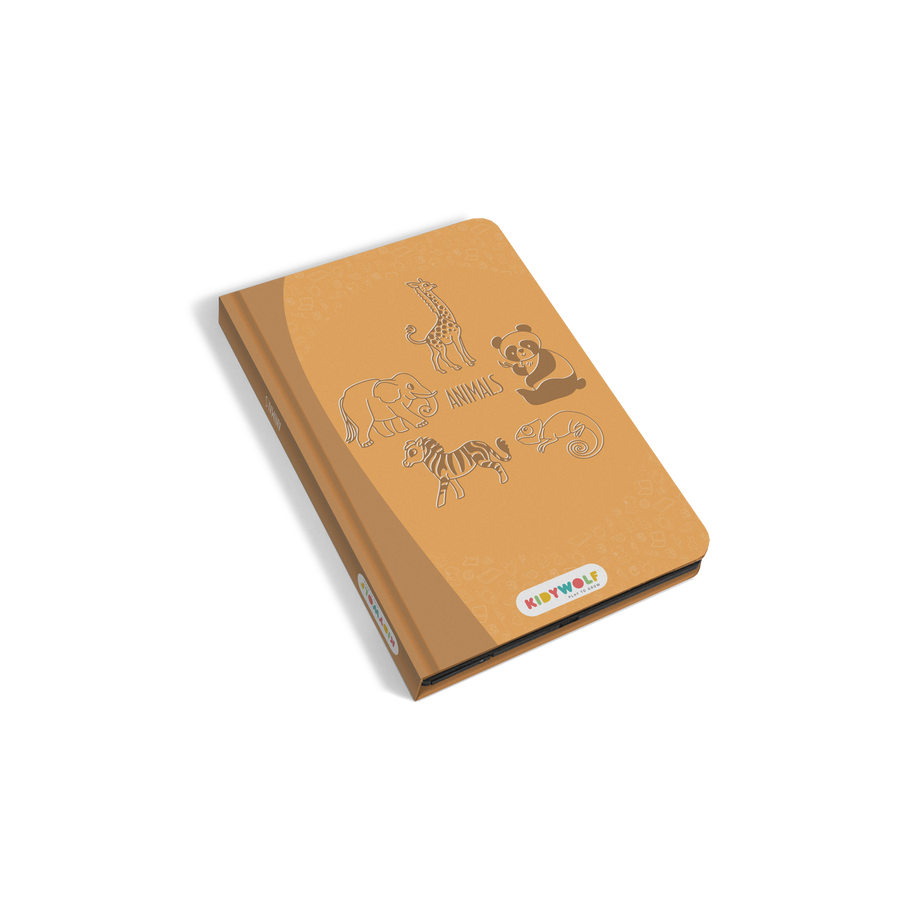
  • Which tablet should I choose for my child? Size – age – intended use?

    To help you choose the right tablet, click here